
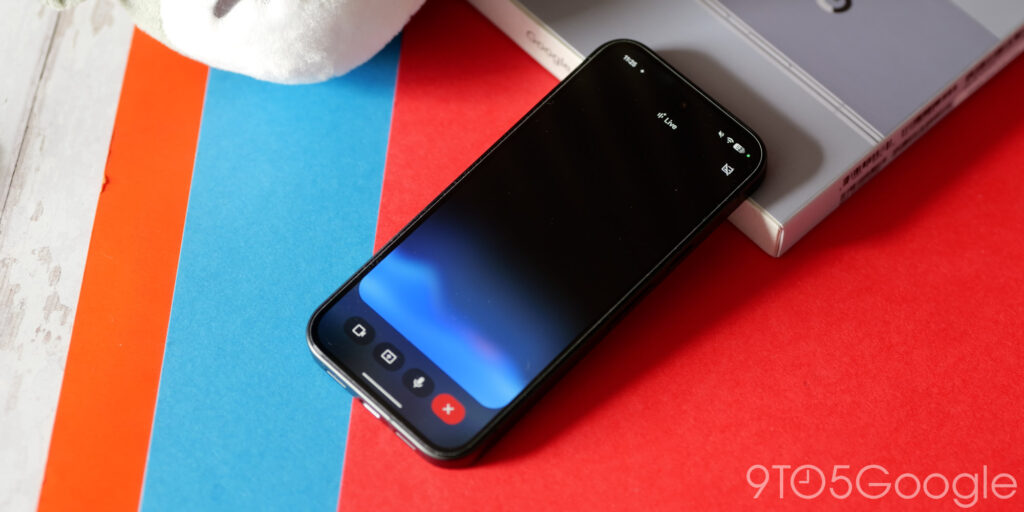
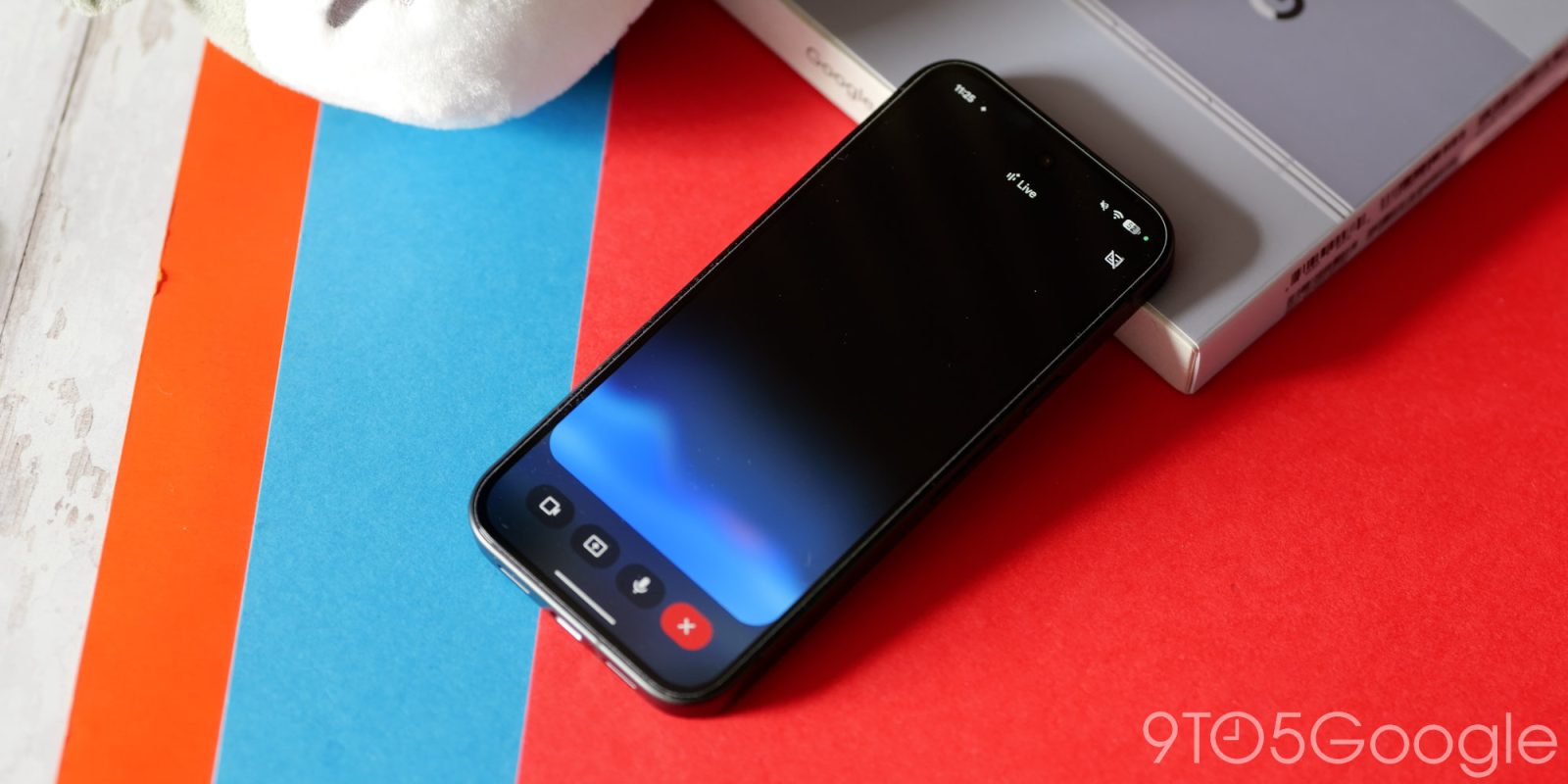
Visually, Gemini Live has remained mostly unchanged since launch, but Google is now testing a redesign that removes the fullscreen interface on Android.

Instead of a fullscreen interface, Gemini Live just takes over the Gemini app homepage. The top bar changes to “Live with Gemini” and adds the transcript button.
At the bottom, the prompt box is replaced by a pill-shaped container that features the blue waveform. At the left, you can share your camera or screen, while the other side lets you mute the microphone. Tapping the keyboard exits Gemini Live, which you can also do by using

We don’t just report the news, we deliver it through the voices of multiple expert staff writers, each selected to broaden our scope and deepen our storytelling.
